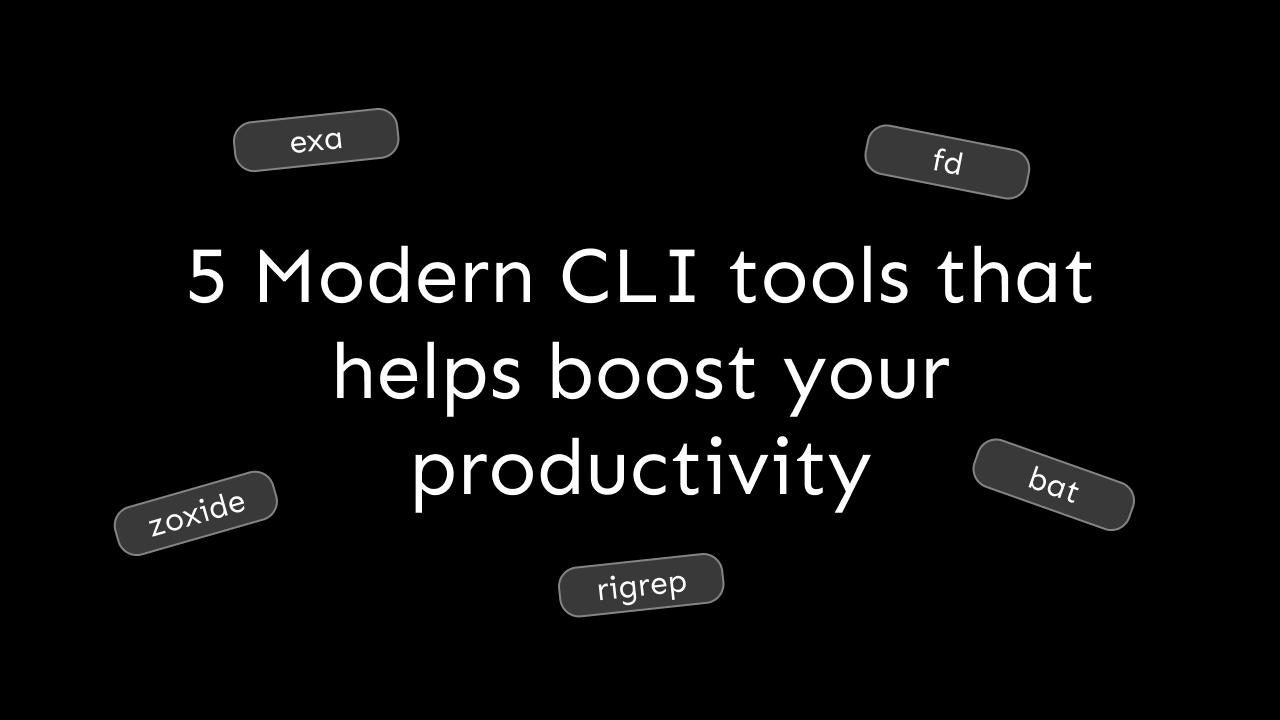
As developers, most of us use the terminal to interact with our computers for many tasks as we find it more productive. We are familiar with commands like ls, cd, cat, grep, and find. These are primarily pre-installed on our computers and mostly get the job done hence, we never consider looking for any alternatives.
But, today we are going to look at 5 alternatives that accomplish the same task but are more feature-rich, faster, and cleaner. Coincidentally, these are all written in the rust programming language.
bat
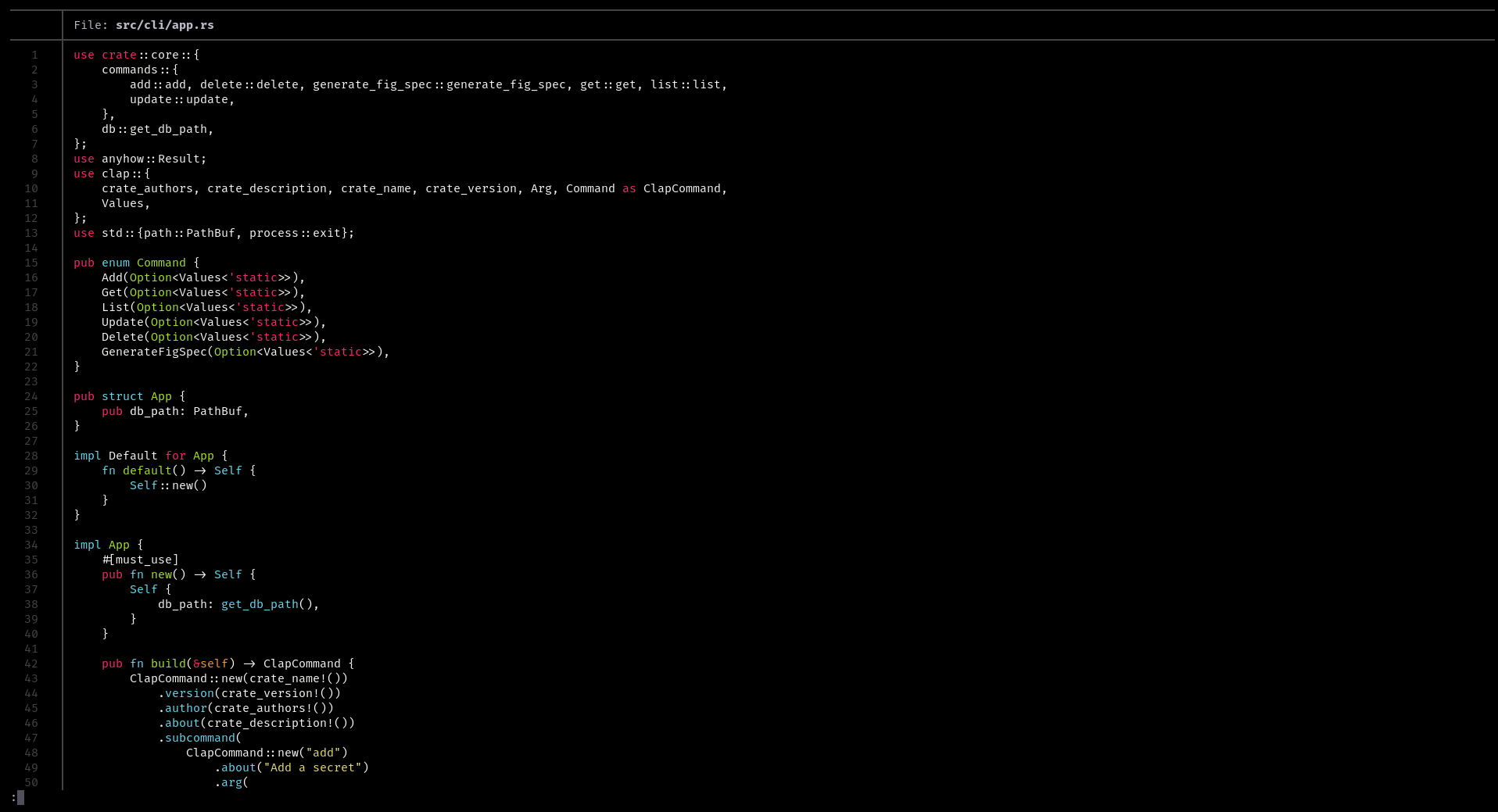
bat is a popular alternative for the cat command, just with a ton of more features. So, what are they?
Syntax highlighting
bat automatically provides syntax highlighting for all major programming languages.
Line numbers
This might not be a big one but bat shows line numbers, and I have found it extremely useful.
Search
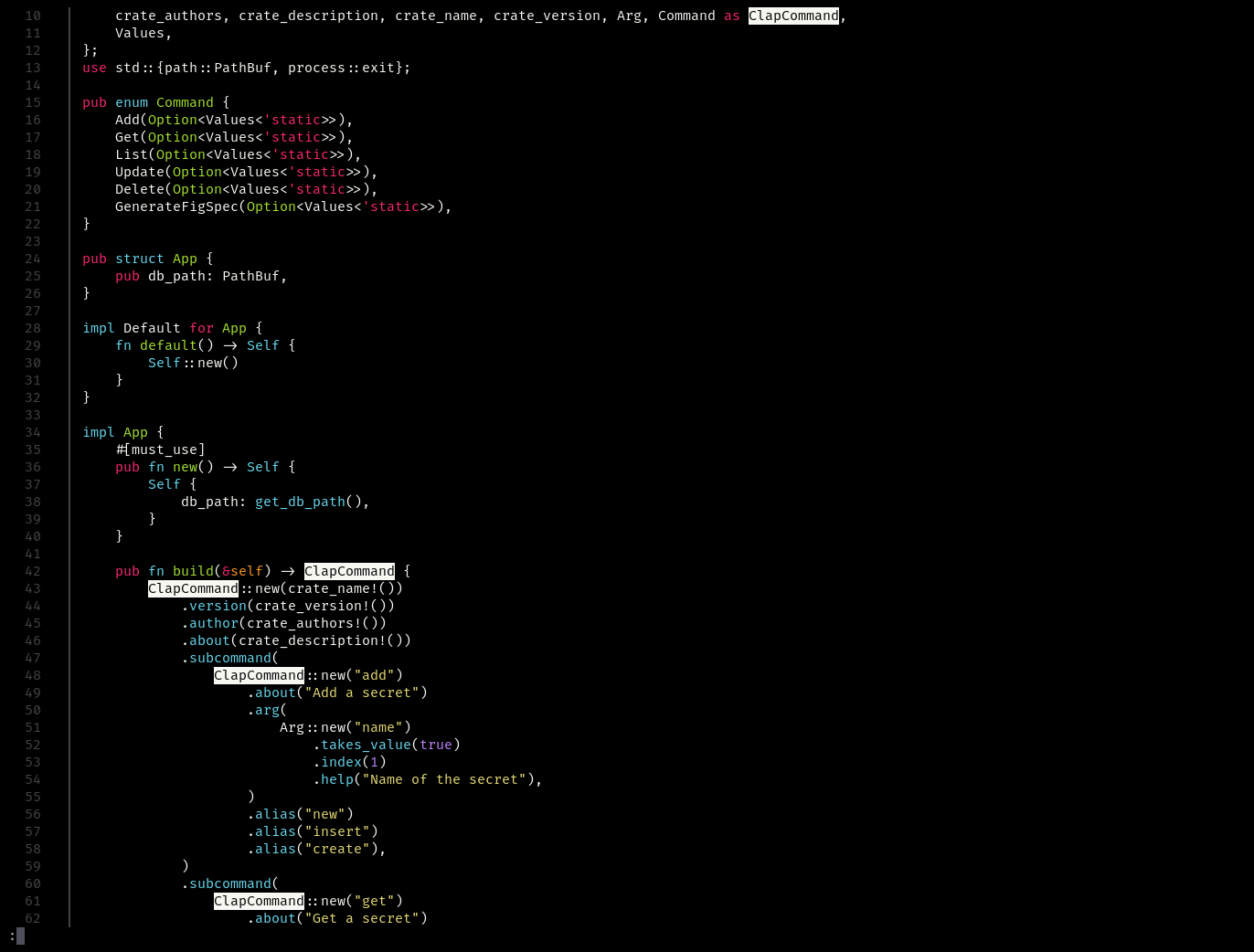
We can use / and then enter a query (can be regex) to perform a search operation. This is similar to how it is done in vim, and yes, it supports vim keybindings like n to go to the next result and N to go to the previous result.
zoxide
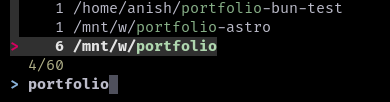
zoxide behaves like cd at first glance but it has 1 feature which makes it a game-changer. How cool would it be if you did not have to specify the path to a directory every time you wanted to change into it? Zoxide stores paths in a db, and the next time you use it, you can just specify the directory name instead of the full path. Here it is in action (z is the default alias for zoxide) -

You can also use the zi command to interactively select previous paths using fzf -
exa
exa is a modern replacement for the ls command but with more features. First of all, it supports colors and icons (I have aliased ls to exa --icons --color=always) -
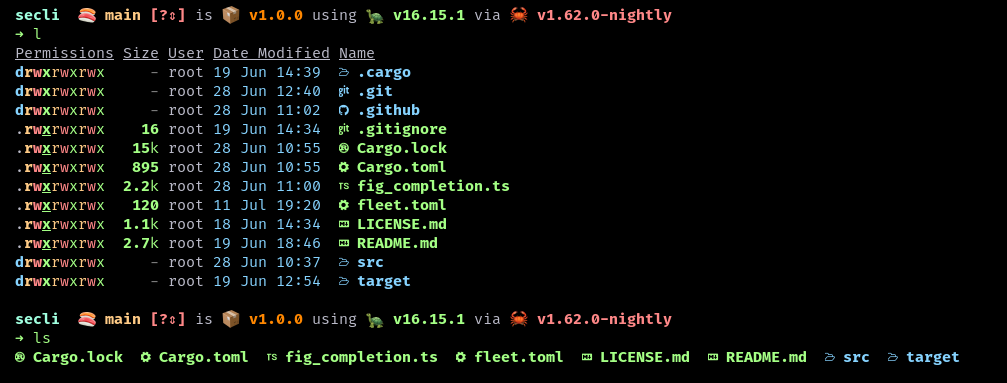
This makes distinguishing folders and files extremely easy and the icons are just a great touch. Also, the list view (pass in the -l to see it in the list view) is way cleaner.
Exa also comes with a handy tree feature -
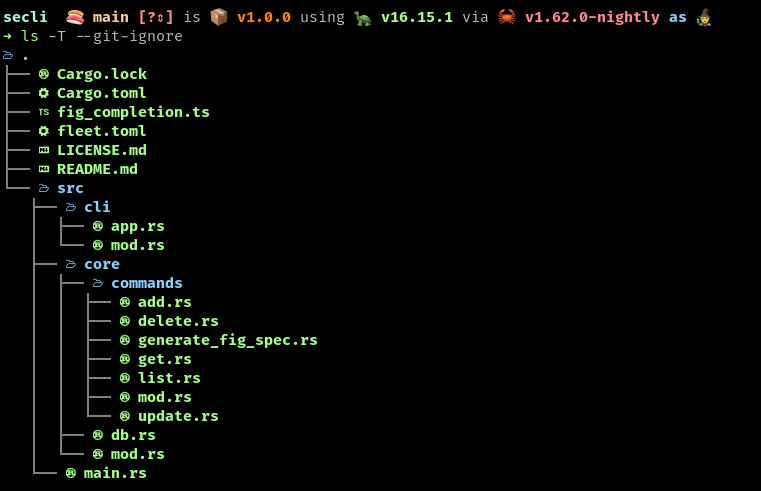
Here, -T is for displaying it as a tree. The --git-ignore flag ignores files and folders mentioned in the .gitignore ignore file.
fd
fd is an alternative to the find command packed with features and is also extremely fast.
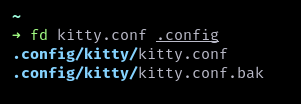
The first argument is the term we want to search and any other arguments after that will be directories to search in.
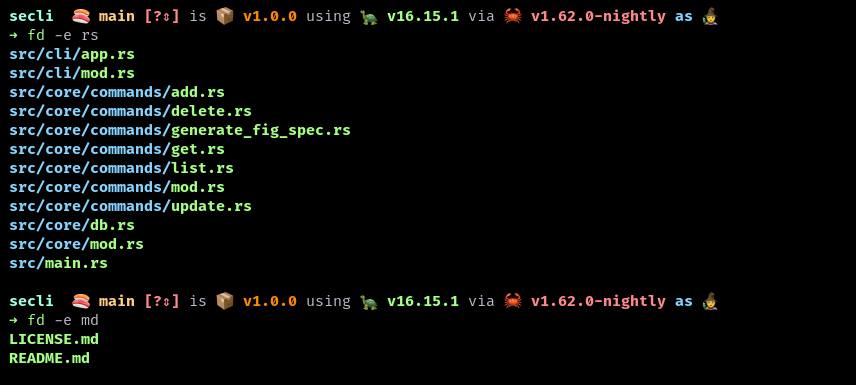
We can also specify an extension with the -e flag -
ripgrep
ripgrep is an alternative to the grep command and the main highlight is its speed. It also automatically ignores files specified in ignore files like .gitignore and .ignore.
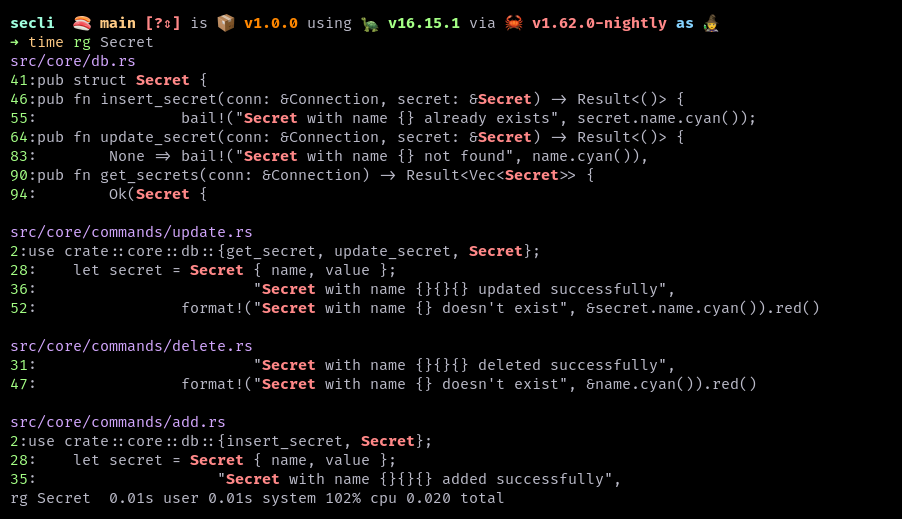
Yes, that took just 20 milliseconds!
Ripgrep comes with many other features too, like searching in specific file types and searching inside zips.
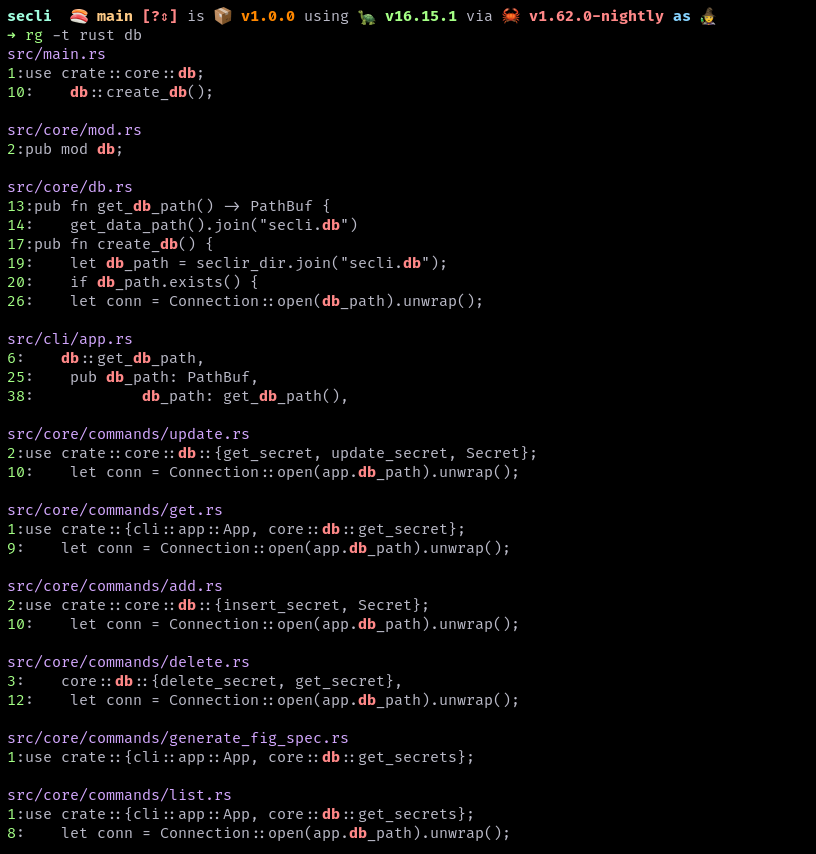
Here, we can specify the file type using the -t flag.
BONUS: tealdeer
tealdeer is an alternative to the tldr tool. Both accomplish the same task, that is, showing community-driven help/man pages which are easier to read and understand than the traditional, detailed ones. Here is an example for exa -
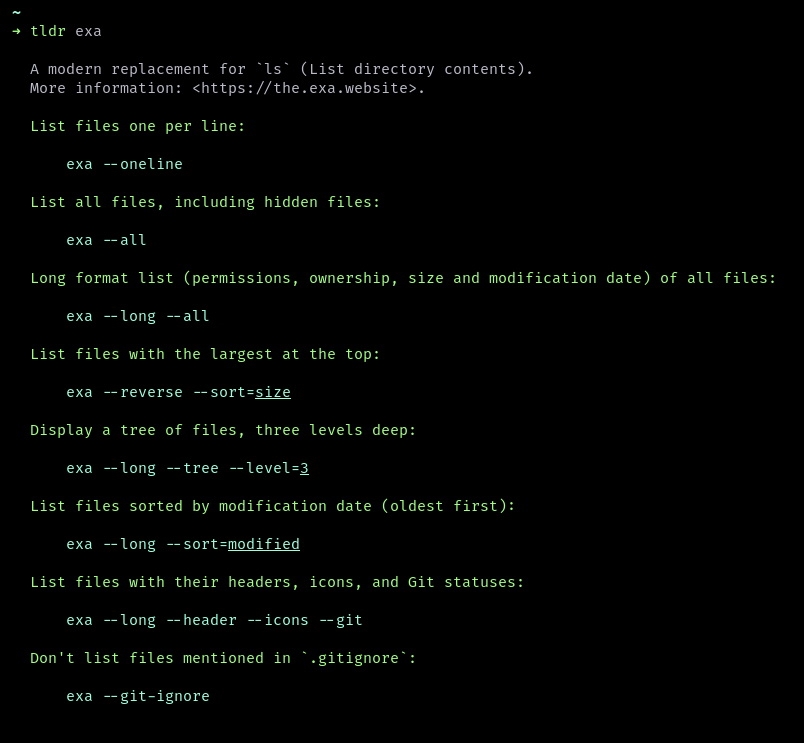
Tealdeer installs as tldr and hence tldr is the command and not tealdeer.
Conclusion
I hope you have found this article useful and that it helped boost your productivity. You can leave any suggestions via comments or you can dm them to me on Twitter :)
About the author
I am a high school student, small YouTuber and a developer and recently a blogger too!!!
Comments
Join the discussionWonderful post, I am amazed at your clarity of thought given you are a high school student. Keep up the good work.
These are primarily pre-installed on our computers and mostly get the job done hence
you may want to change it to
These are primarily pre-installed as part of the Operating system installation(for all Linux flavors) on our computers and mostly get the job done hence